Beige is Back! 💻💪🌈 We have stock and are currently building orders in 3-5 days.
C64x Retro Keyboard Chassis 'Legend II' System with N100 board

Quick links to systems:

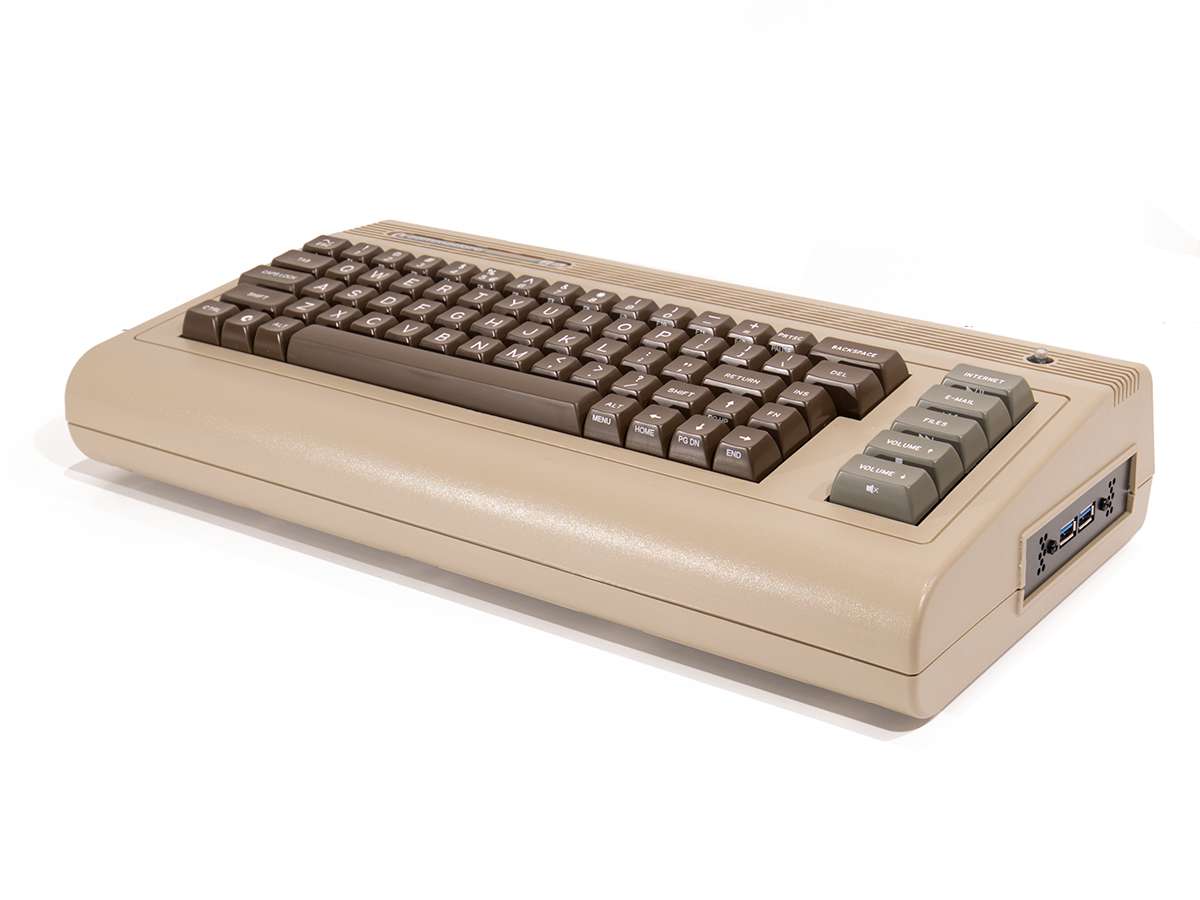
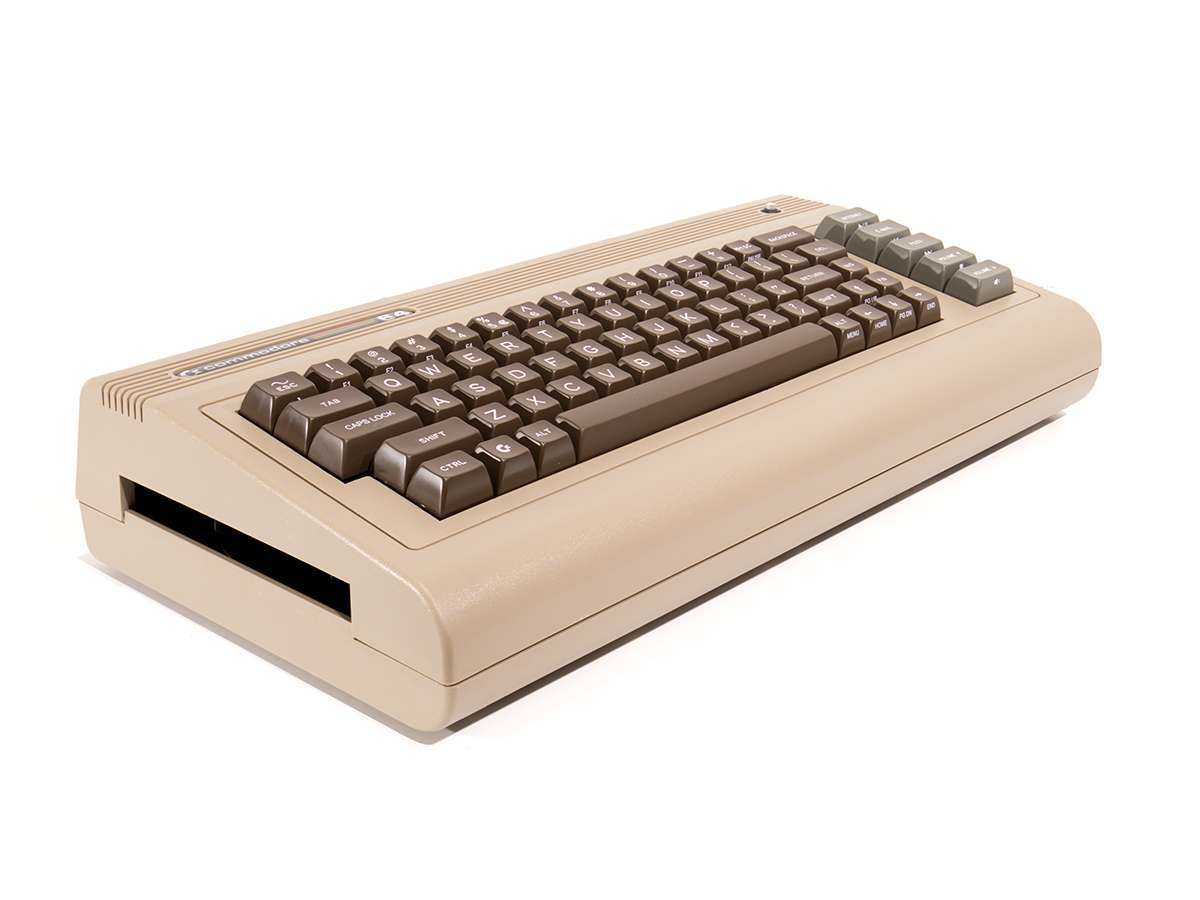
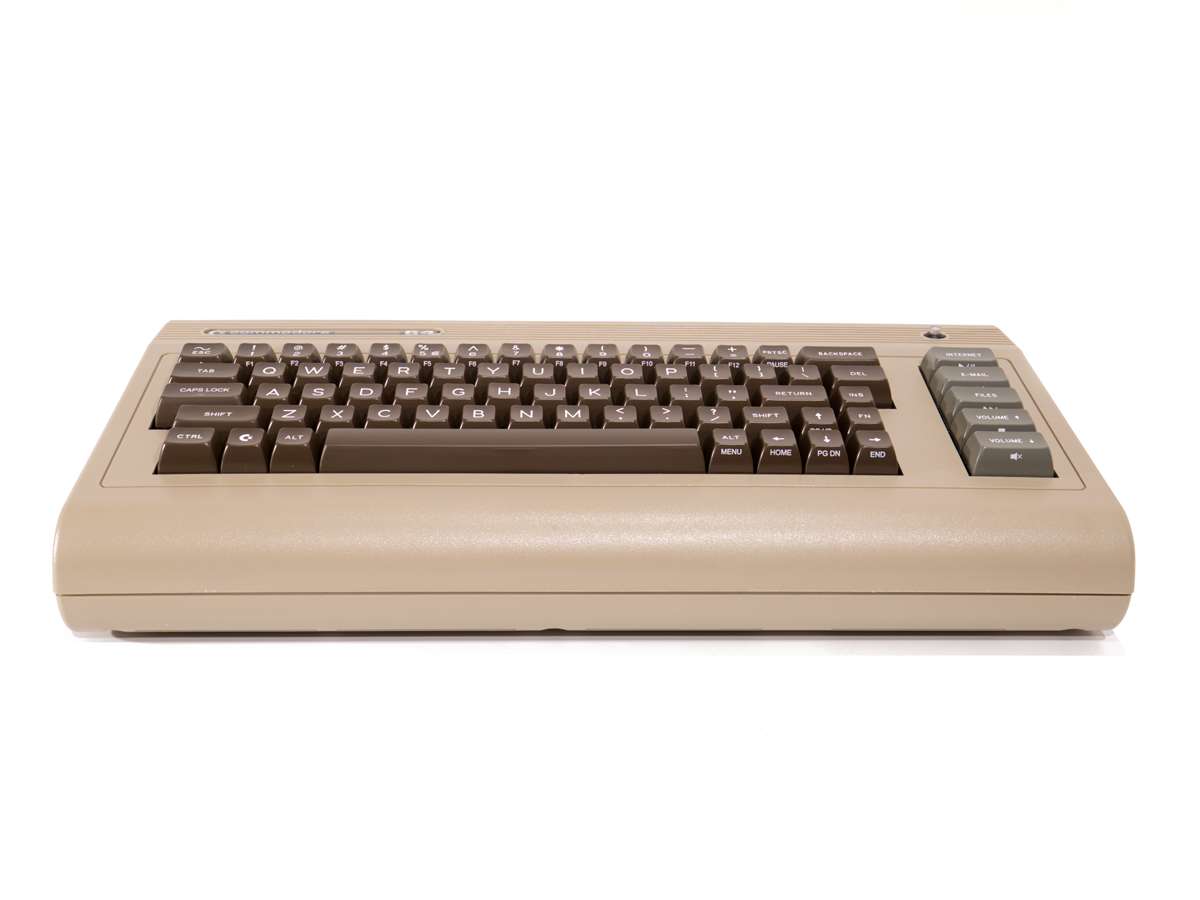
Create your own system with a Commodore C64x Retro Keyboard Mini-ITX Chassis with built-in 71 Key Mechanical Keyboard with "Clicky" Cherry MX Blue Switches, combined with a Fanless Asus PRIME N100I-D D4-CSM Motherboard, picoPSU-90, External 80W AC Adapter, your choice of Memory and Storage. Also available for a limited time with RGB and removable key switches - here's a short video of the RGB keyboard in action.

Everything you need to create a working system. Supplied as components or we can build and test your C64x for you, with a free 2 year RTB warranty included. If choosing components, we recommend reading the product page carefully to understand what is involved. This is one of the easiest systems to put together.

OS Compatibility: Modern Linux Distributions including Commodore OS 3.0+, Windows 11.

Contact us for availability
Show relative prices:
1 Motherboard
Currently unavailable
2 C64x Case

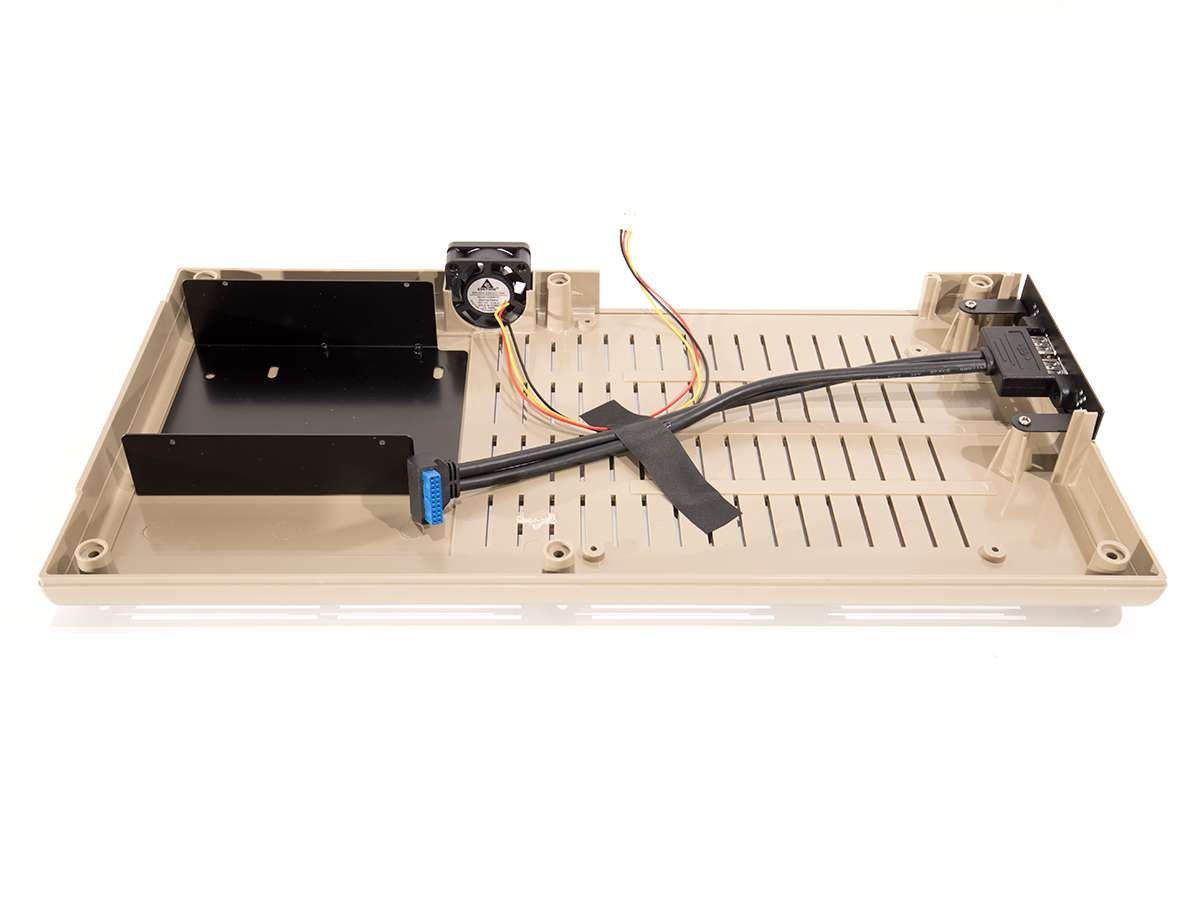
Choose from Classic Beige or Limited Edition Classic Beige with RGB. Both Models have 'Clicky' Blue Key Switches. RGB Model has hot-swappable Key Switches and is RGB Backlit - controlled using the FN Key in combination with the [, ], \ and ' keys. All C64x Chassis now include a free 2.5in Drive Tray / DVD Blanking Panel.

3 Memory
4 M.2 Storage

The N100DC-ITX has a type 2280 M.2 storage drive slot, giving fast PCIe Gen3x2 speed storage. If an OS is selected and we are building your machine, we will install it onto this drive.

5 2.5in Storage

2.5in drives are mounted in the 2.5in Drive Tray / DVD Blanking Panel. If you select a drive you must choose the cable option in the next section

6 Power Supply and Cabling

You will need the picoPSU-90 and 80W AC Adapter to power the J3355-ITX. The picoPSU is fed through a DC-In Bracket on the side panel. We will include a localised power cable whenever possible (UK, EU, US, AU and some others available). The MIni-SATA Cable is required to power a 2.5in drive in the 2.5in Drive Tray (you can deselect this option if you are only using a 3.5in drive).

7 Cooling
8 Commodore Merch
9 Operating System

We can install Commodore OS Vision if you purchase a built and tested system (no warranty, support through Commodore OS forums). If installing Windows, we recommend downloading the latest version from Microsoft and installing from a USB stick, then registering with the key.

10 Components or Pre-Assembled?