Beige is Back! 💻💪🌈 We have stock and are currently building orders in 3-5 days.
C64x Retro Keyboard Chassis 'Infinity' System with Phoenix-ITX 7940HS WIFI board

Quick links to systems:

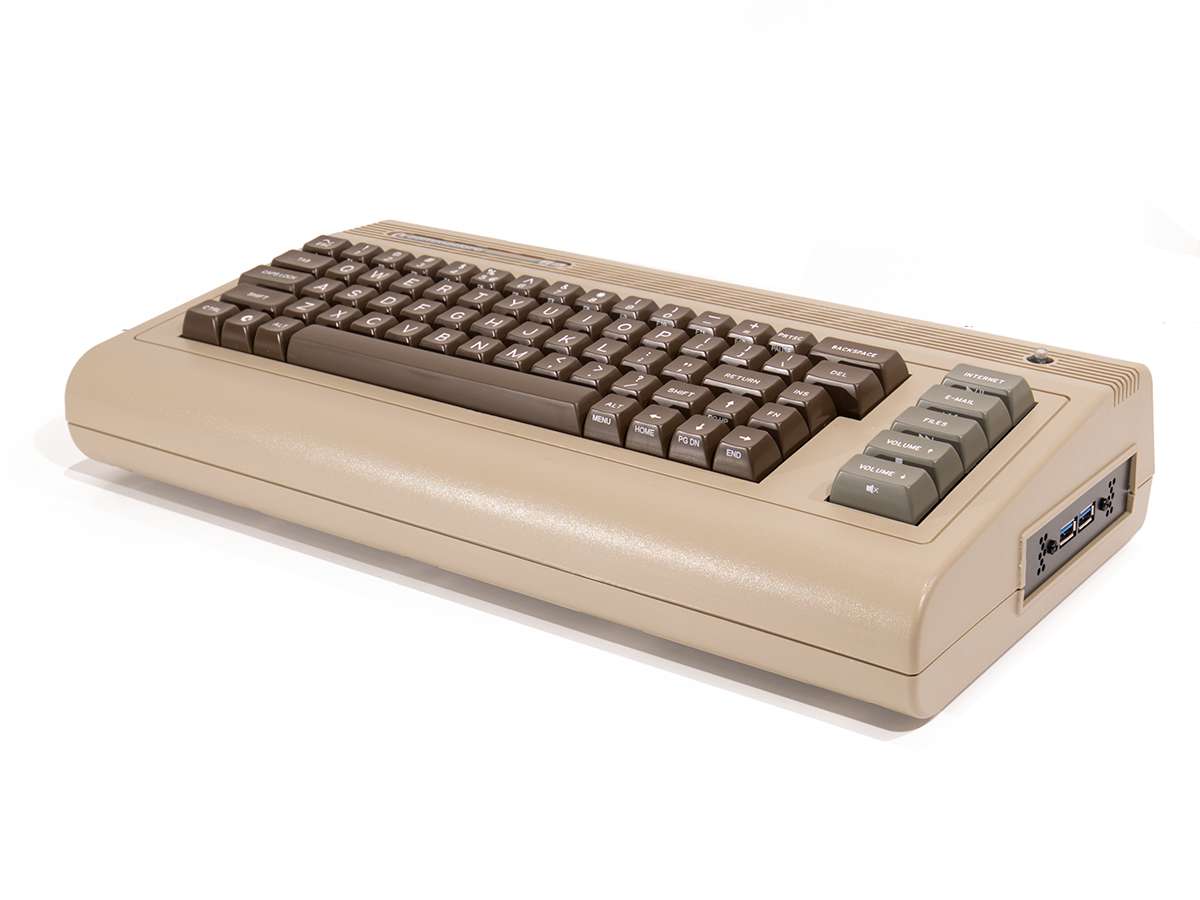
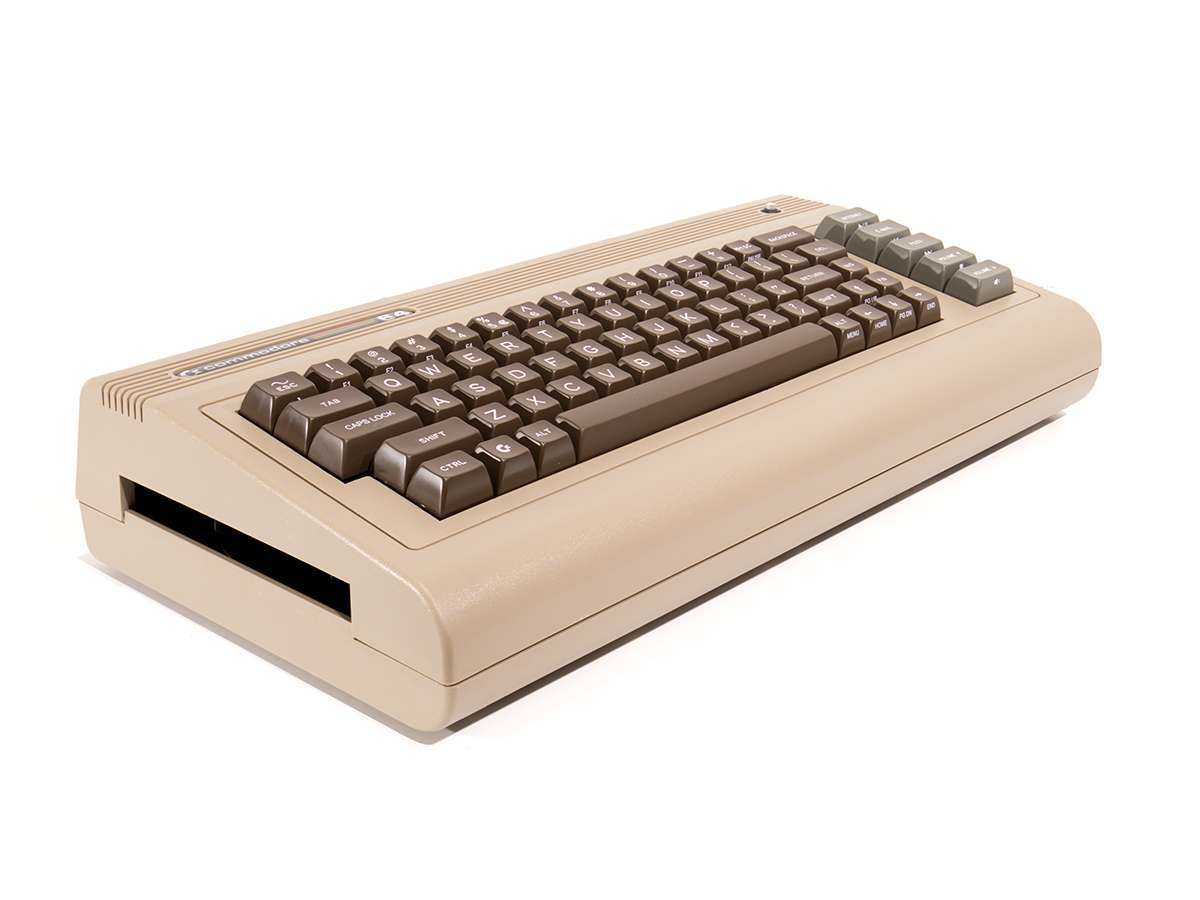
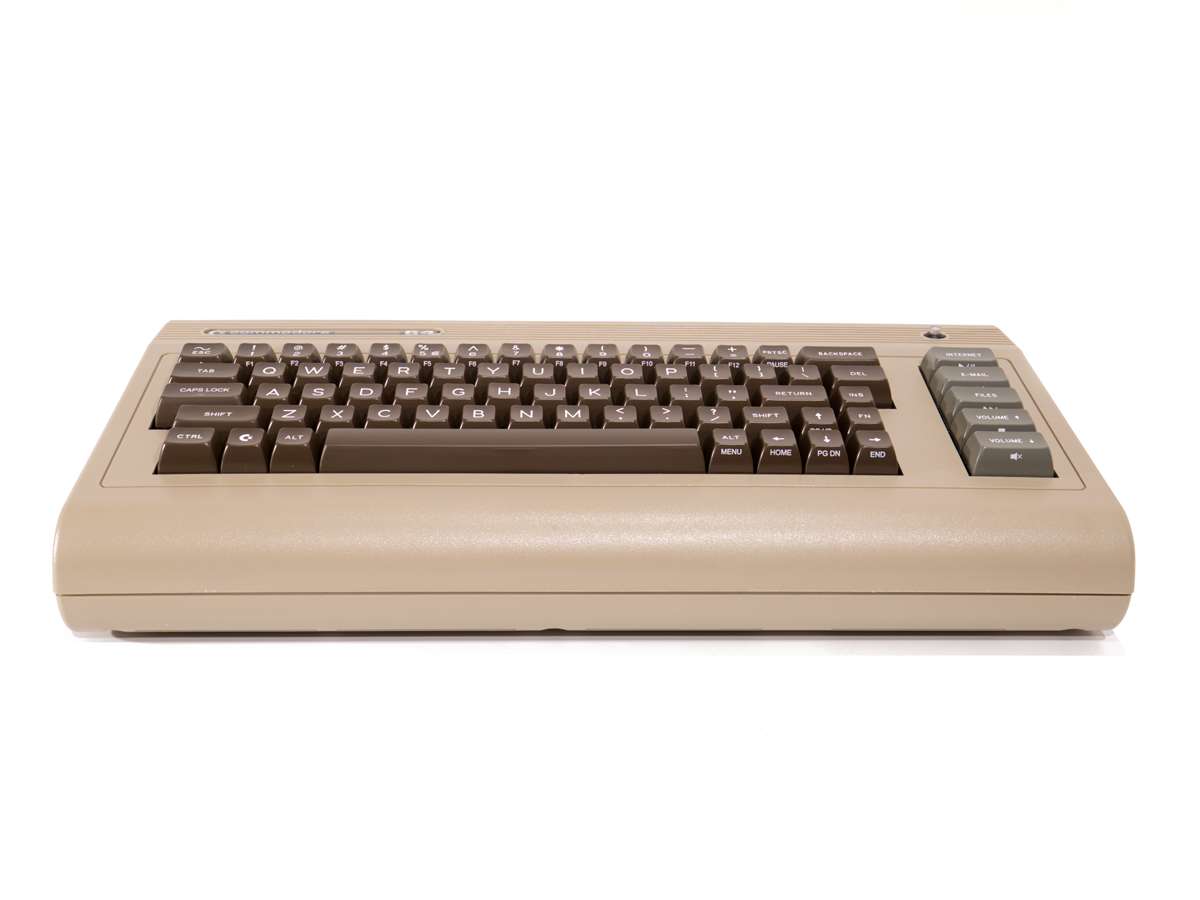
Create your own system with a Commodore C64x Retro Keyboard Mini-ITX Chassis with built-in 71 Key Mechanical Keyboard with "Clicky" Cherry MX Blue Switches, combined with a Phoenix-ITX WIFI Motherboard wtih 8C16T AMD Ryzen 9 Processor and Radeon 780M Graphics, External AC Adapter, A18 Cooler and Fan Duct, your choice of Memory and Storage. Also available for a limited time with RGB and removable key switches - here's a short video of the RGB keyboard in action.

Supplied as a built and tested system, with a free 2 year RTB warranty included.

If you already have a C64x or just want to build your own Infinity System then we have all the parts you need in the Infinity Builders Kit.

OS Compatibility: Modern Linux Distributions including Commodore OS 3.0+, Windows 11.

Bundle Price: £0.00
Show relative prices:
1 C64x 'Infinity' System
2 C64x Case

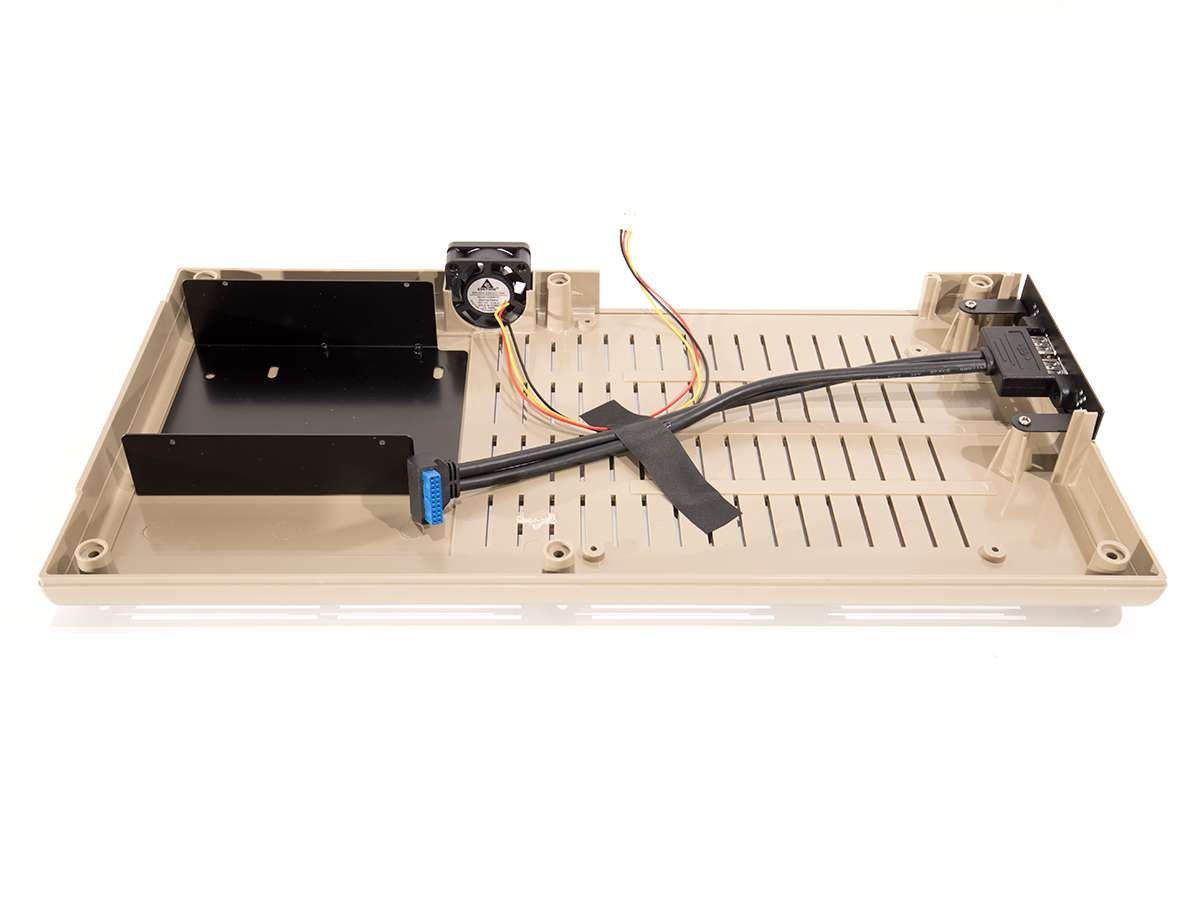
Choose from Classic Beige or Limited Edition Classic Beige with RGB. Both Models have 'Clicky' Blue Key Switches. RGB Model has hot-swappable Key Switches and is RGB Backlit - controlled using the FN Key in combination with the [, ], \ and ' keys. All C64x Chassis now include a free 2.5in Drive Tray / DVD Blanking Panel.

3 Memory

GPU performance is measurably better with 2 sticks.

4 M.2 Storage

The motherboard has a Type 2280 M.2 primary storage drive slot giving very fast PCIe 4.0 x4 storage. If an OS is selected, we will install it onto this drive.

5 Secondary M.2 Storage

The motherboard has a second Type 2280 PCIe 4.0 x4 M.2 slot on the underside of the board. This can be used for very fast secondary or backup storage.

6 2.5in Storage

An additional 2.5in SATA drive can be fitted underneath the DVD drive slot blanking tray. SATA SSDs are approx 6x faster than SATA HDDs. We only recommend this option if you need 3x storage drives.

7 Commodore Merch
8 Operating System

We can install the latest Commodore OS Vision 3.0 (no warranty, support through Commodore OS forums), or prepare your machine ready for your own installation. If installing Windows, we recommend downloading the latest version from Microsoft and installing from a USB stick using Rufus, then follow the guide on the Phoenix motherboard page. If installing Linux (inc Commodore OS) you will need to disable 'Secure Boot' in the BIOS.

Multiple lines will be added to your shopping basket. If you want to adjust your order we suggest returning to this page and using the 'clear basket before adding' checkbox below.