C64x Retro Keyboard Chassis - Chameleon Green


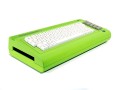
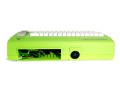
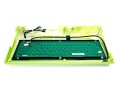
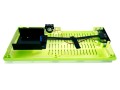
| Commodore C64x Retro Keyboard Chassis - Chameleon Green | |
|
NO STOCK
Contact us for availability |
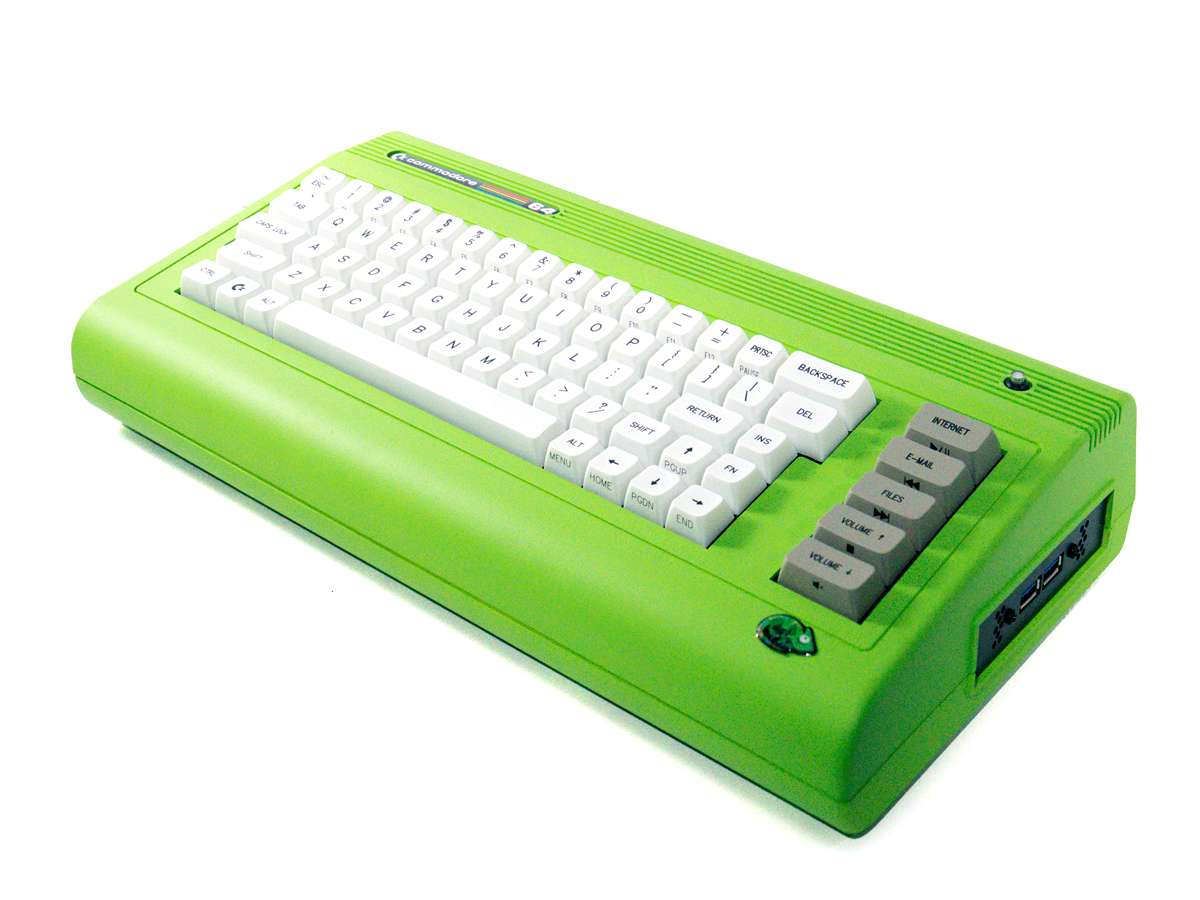
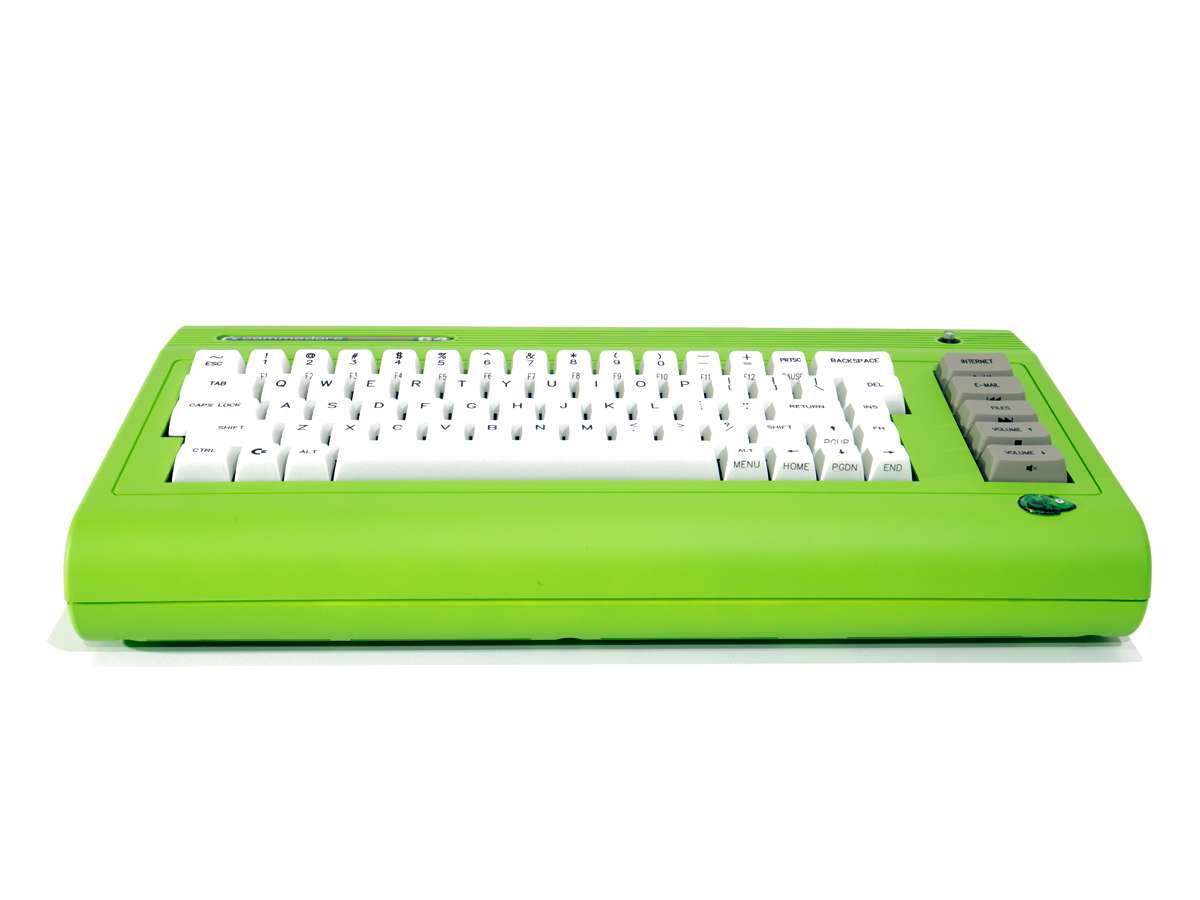
The MyRetroComputer C64x is a Mini-ITX enclosure with a full Cherry Switch Mechanical Keyboard included - in the shape of the world's most popular personal computer of the 1980s. It is the closest thing to the classic Mini-ITX projects of yore available commercially. The C64x features:
- Commodore 64 shape and logo, fully licensed
- Delightful Red LED power button top right
- Reproduction Original-Style Packaging in several designs
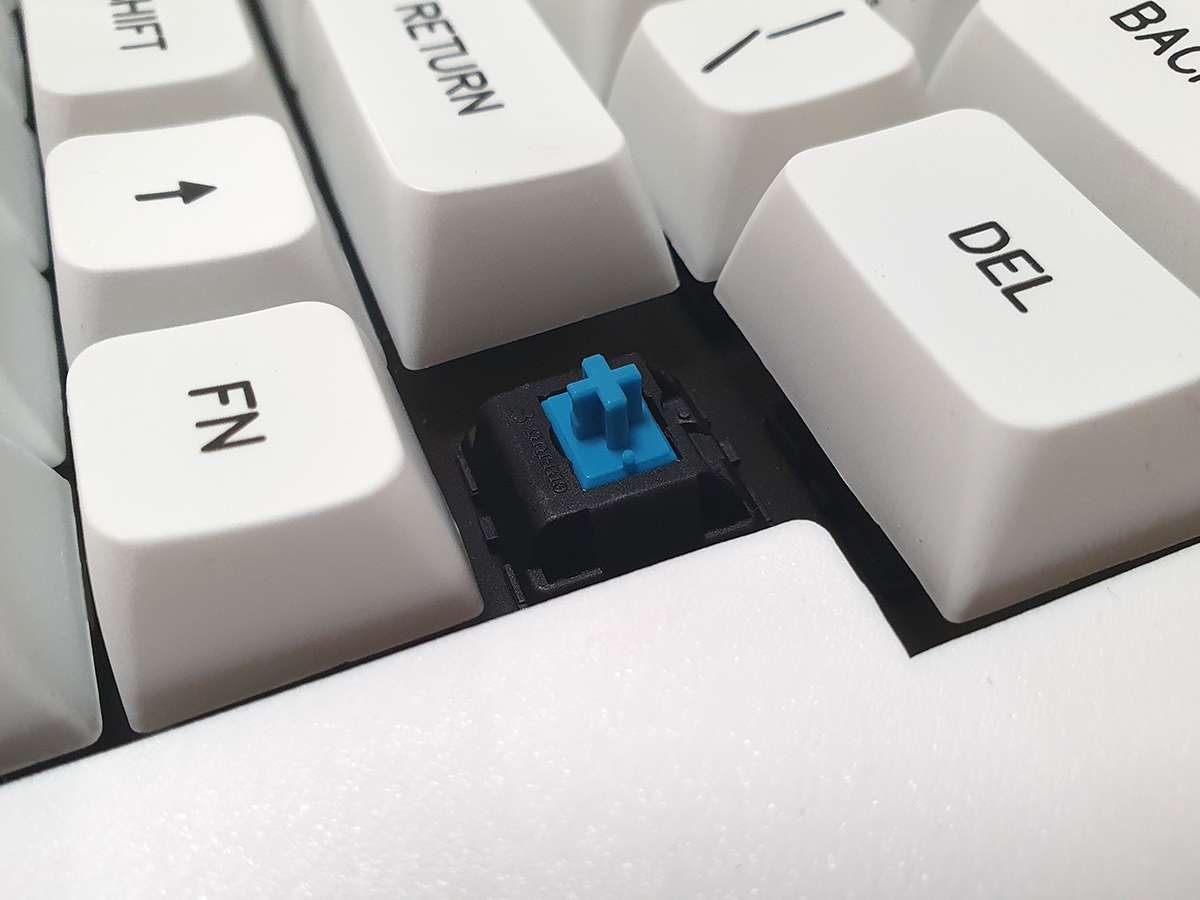
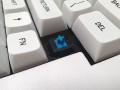
- 71 Key Mechanical Keyboard with "Clicky" Cherry MX Blue Switches
- Room to fit a Mini-ITX board inside
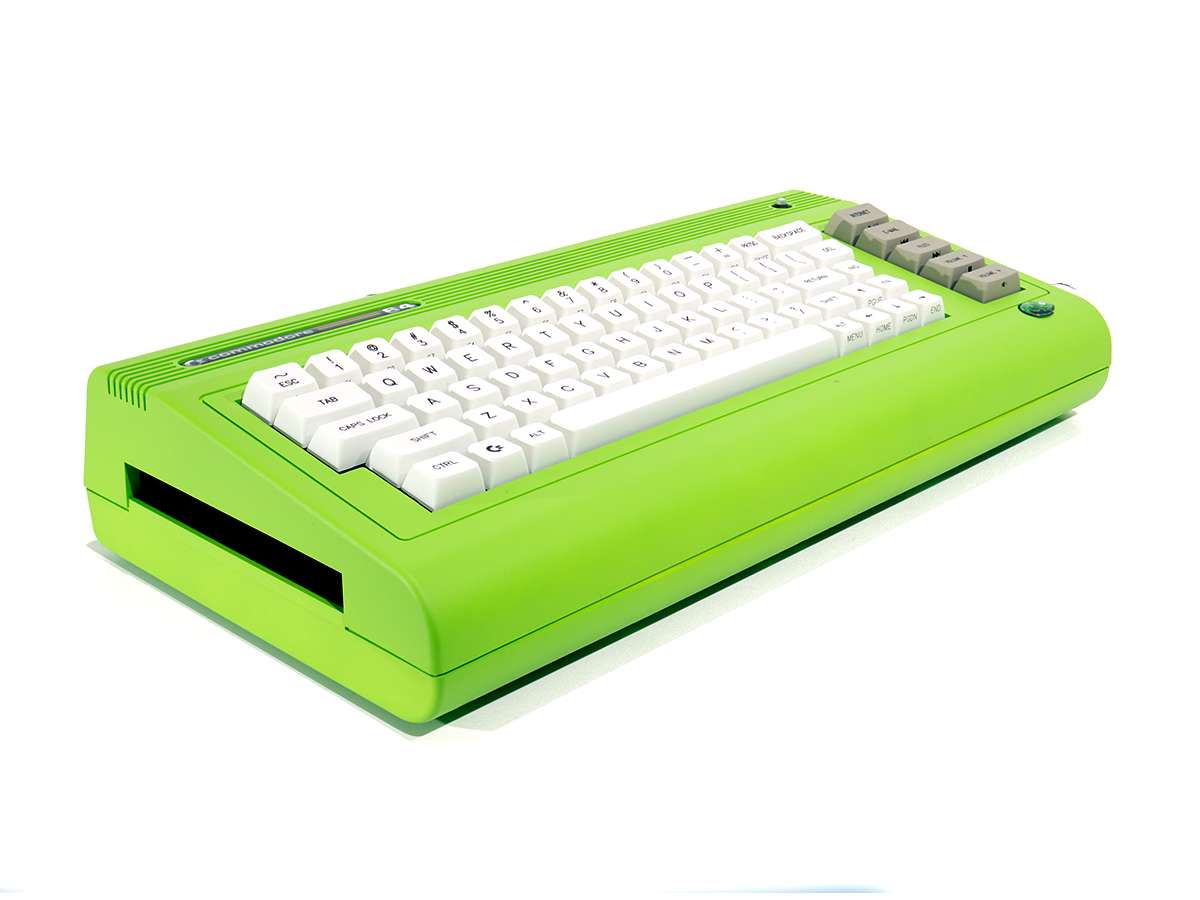
- DVD drive slot on the left
- USB 2.0 ports in a side panel on the right side
- Original Beige
- Limited Edition Original Beige with RGB and Hot-Swappable Key Switches
- Previous Limited Edition Colour Schemes have included: VIC-20, C16 (Black), White, Blue, Green, Purple, Red, Translucent with RGB Keyboard, Translucent Key Caps and Hot Swappable Key Switches. Currently none of these are available, with no ETA.
Some boards lend themselves to the C64x more than others. All C64x builds are unique and beautiful creatures, and unlike any standard PC case build. Please read this page carefully before making a purchase.
Popular Configurations
We have separate pages for our favourite configurations. Please use these pages to add all the items you require to your basket at once. We can even build your machine for you in these configurations if you prefer. Currently the configurations are (in order of power):
- Legend II - N100, VGA, HDMI, DP (excellent fanless starter system)
- Ultimate - i9-9880H, GTX1650 GPU, HDMI, DP, 2.5Gb LAN, WiFi (nearing end of stock)
- Infinity - Ryzen 9 7940HS with Radeon 780M, 2x HDMI, DP, 2.5Gb LAN, WiFi 6E
A fuller comparison of these systems can be found on our main C64x page.
Not listed - the myriad other possible configurations. Let us know what parts you are considering and we can give you our opinion of how well it will work.
Choosing your Components
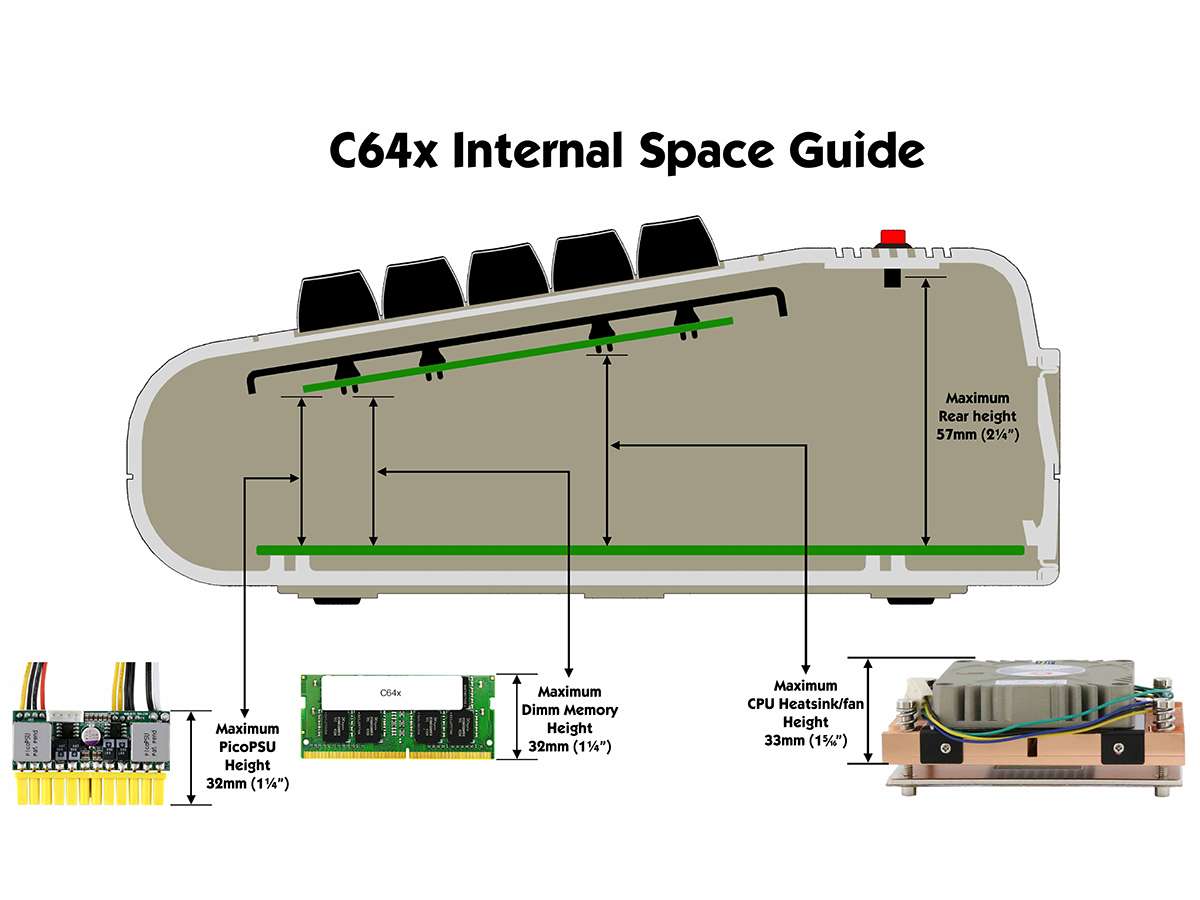
Boards with very high heatsinks will not fit the C64x. Tall sticks of memory above 32mm (usually with heatsinks attached) will not fit. The maximum heatsink height is 33mm. If using a picoPSU, the maximum height is 32mm (picoPSU-160-XT not compatible). The board's rear IO shield needs to be the traditional shape and depth - boards with built-in IO shields will not fit without extensive plastic modifications! Boards need to have a 2.54mm pitch USB 2.0 pin header to connect the keyboard.
To save you a daunting task, this special board filter will list boards that will fit the C64x and have a suitable USB 2.0 pin header.
There are 2x USB 2.0 ports on a metal panel in the right side of the C64x (pre-2025 models had USB 3.0). This can be used if your board is DC-powered and has a spare USB 2.0 pin header (in addition to the single header required for the keyboard). If you are powering your board with a picoPSU then you will instead probably want to use the DC-In Side Panel to ingress the DC power input cable through the side instead.
There is no room to fit a graphics card. All Mini-ITX boards with built-in processors have onboard graphics. If 3D graphics are required, the most powerful integrated graphics are on the Phoenix-ITX motherboard, part of our Infinity System.
Powering your Components
There are 3 normal powering options and several more esoteric powering options.
- Boards with DC-input included just require an external AC Adapter, plugging directly into the board. The N100DC-ITX is a popular choice with a fast N100 processor and M.2 storage slot. The Jetway LI39 boards run slightly cooler due to their J6412 processors. Integrated boards with DC-Input
- Boards with built-in low power processors and ATX connectors can be powered with a picoPSU-90 and 60W or 80W AC Adapter. Integrated boards with ATX connectors
- Boards with desktop processor sockets can be powered with a picoPSU-150-XT and 150W AC Adapter. This gives a realistic power limit of about 135W for the whole system. Some processors may need to be throttled in the BIOS to meet this limit. The AMD 5xxG and 8xxG processors work particularly well as they draw around 90W under normal load. Note: the picoPSU-160XT is too tall to fit in the C64x though can often be fitted informally on its side with an ATX Extender Cable. List of Compatible Desktop Processor Motherboards
More esoteric powering options, which may require various levels of ingenuity:
A DCDC-USB or DCDC-USB-200 can be fitted inside the case to power from batteries or from a non-standard voltage source.
For the most demanding systems, the 240W Zero-Flex PSU will physically fit in the enclosure in the 3.5in drive bay area, fed in through the DVD drive slot. There are no mounting points designed for these, but the case will close and we welcome seeing your solutions!
The Keyboard
The mechanical keyboard is connected to the motherboard with a USB 2.0 cable. On boards with DC power input the caps lock LED will light when the power is connected but the board is off. This is normal behaviour. We recommend building and testing your machine with the keyboard positioned next to the lower half of the case until you are fully happy with it, then fitting the upper keyboard half as the final step.
The DVD Slot and Drive Trays
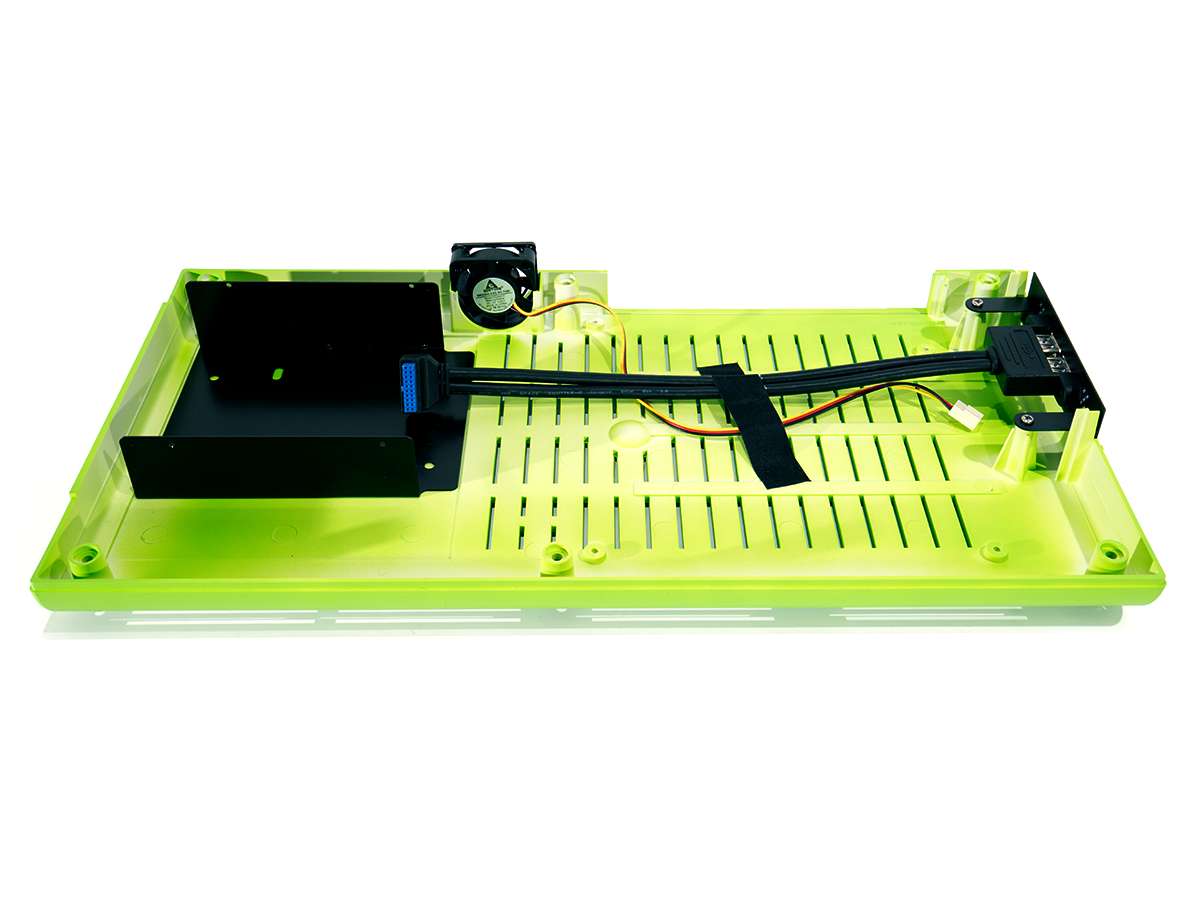
There is a slot on the left side of the chassis to fit a 12.7mm (not 9.5mm) tall slimline optical drive, though most usually a blanking panel will be fitted instead. From 2025 we provide all C64x chassis with a 2.5in HDD Drive Tray / DVD Blanking Panel that mounts to the fitted metal bracket inside the C64x. To mount a 2.5in drive you will need a Mini-SATA (data/power) cable, a spare SATA port on your motherboard, and possibly additional power adapter cables depending on your motherboard and powering solution.
The metal bracket inside the C64x can be removed to fit larger PSU solutions such as the Zero-Flex, though this will prevent a DVD Blank from being fitted. The metal standoffs can be removed from the bracket with a rotary tool or strong pliers, allowing a 3.5in drive to be screwed in from underneath. The upper part of the bracket has the mounting holes for the DVD Blanking Panel (or DVD drive if you can find one)
Cooling
There are cooling challenges involved in using a limited-height angled chassis originally designed for a 1MHz computer! Low power consumption boards work well but even more powerful socket motherboards can be made to work effectively with some careful fan and processor speed throttling. We will add typical thermal settings for some motherboards to this page at a later date.
The chassis has a slot-in fan area at the rear which can fit a 40x40mm fan up to 15mm deep. There is a 5mm plastic fan cover to allow 10mm deep fans to fit easily. The provided 10mm fan is quiet but not particular effective. The Noctua NF-A4x10-PWM is a high quality replacement. Ensure your fan is pointed to vent air out of the case.
If fitting a board with a socket processor: the low enclosure height means that most consumer coolers are too tall to fit. Server-grade side blower coolers designed for 1U chassis are usually the best choice, but will be noisy without some fan speed adjustment in the BIOS. Quieter top blower coolers can be used though will vent upwards rather than out of the chassis. For AM4/AM5 sockets, the A18 is usually the quietest option.
With some board and fan combinations, a 3D printed fan duct can be attached to the fan to vent directly out of the fan area at the back of the case. The duct connects to the fan holder, so a 40mm fan cannot be used in tandem with a duct.
Will any Mini-ITX board fit?
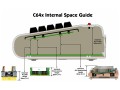
No. You need a board that is low enough in the right places (as the case is sloped). There is a side view in the case images. There can't be any features underneath the board that get in the way. It's also worth noting the IO shield grooves in the case are only 1mm thick so some modern Gaming Style Mini-ITX boards won't fit because of that. You then need a way to power the board (a DC input or a picoPSU is usually the best way but can usually only go to about 135W). You need appropriate cooling (Socket CPUs in particular run hot and low-profile heatsinks can run fast and loud). It's a heat/noise/power trade-off (did we mention all that before?).
What about non-standard board sizes like MiSTer FPGA boards, or a board from my Mini PC?
The C64x has 4 built-in standoffs, visible in some of the pictures. You might need to dremel these off. You could then use Sticky PCB Spacers to mount the board. You might need to 3D print (or do without) a backplate. We'll try to locate a scale top-view diagram to help with slightly wider boards.
Build Pictures
Send us your build pictures! We can put them on Instagram.
| Specifications | ||
|---|---|---|
| Model | Commodore C64x - Chameleon Green | |
| Case Type | Retro Keyboard | |
| Colour | Chameleon Green | |
| Cooling | ||
| Rear Fan | 40mm exhaust fan included | |
| I/O | ||
| USB Connectors | 1 | |
| 1x USB 2.0 pin header cable from keyboard connects to motherboard | ||
| Power Supply | ||
| Included | No | |
| Dimensions | ||
| W x D x H | 630 x 370 x 185 mm | |
| Volume | 4.3 litres | |